Trade Partner Timeline View
Use the Trade partner timeline to see the schedule for one trade partner across every lot, sorted by when their first task starts.
Overview
The Trade partner timeline is the Overall timeline focused on a single trade partner. It shows the same day-by-day schedule grid, but only for the lots where that partner has work in the selected date range, ordered by when their first task starts. Schedulers and project managers use it to see a partner's workload at a glance and to talk through upcoming work with that partner.
All tasks for the focused trade partner are highlighted.
Lots are sorted by the start of the focused trade partner's first task.
The partner's sub-path tasks are shown on the lot's row even when sub-path is hidden.
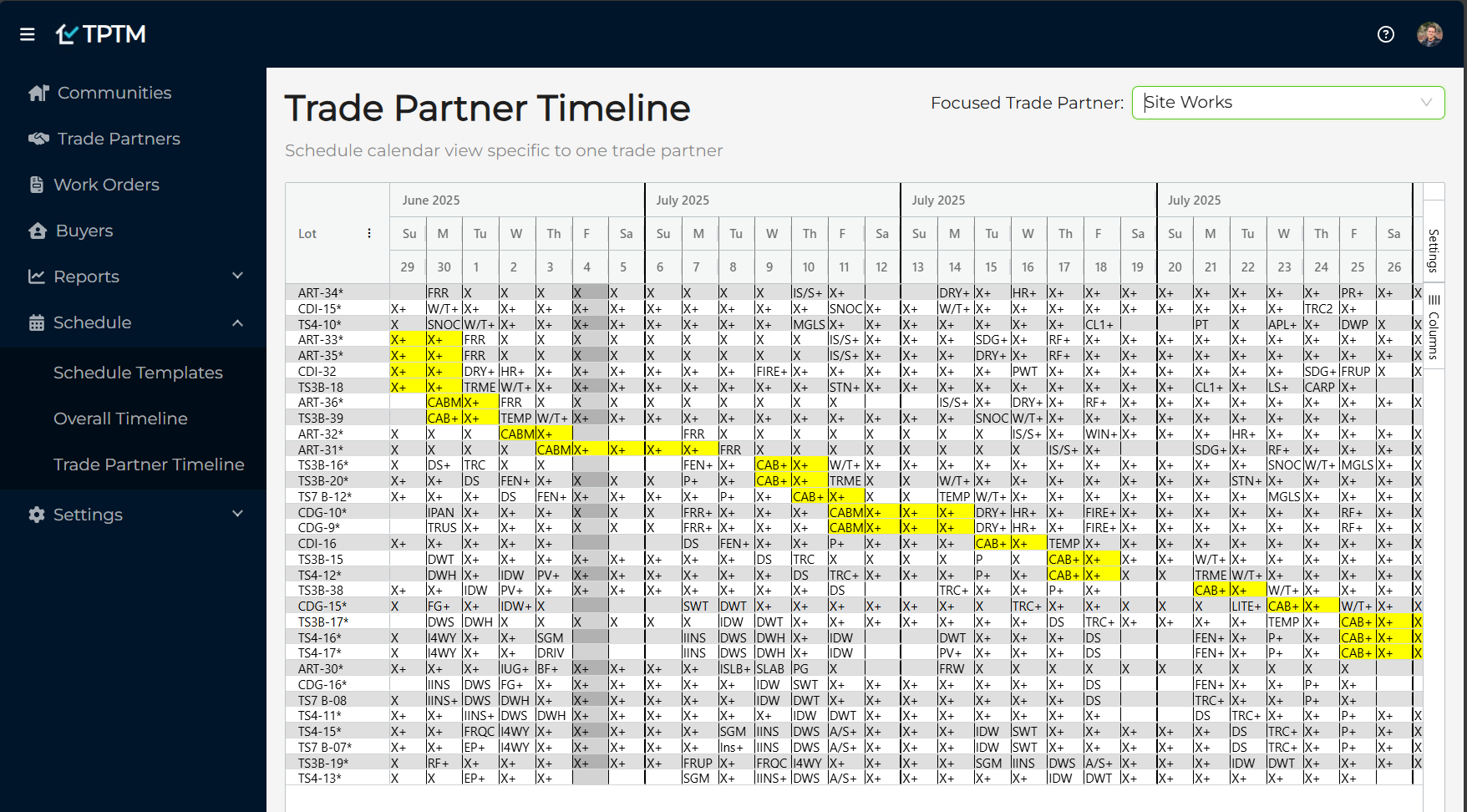
Getting to the Trade partner timeline
Open Schedule in the navigation.
Click Trade partner timeline.
How to set the focused trade partner
Open the Focused Trade Partner dropdown at the top right of the page.
Pick the trade partner. A partner that performs more than one trade is listed once per trade, as Partner - Trade, so you can focus on a single trade.
The grid loads with that partner's lots and tasks. Until you pick someone, the page reads No trade partner selected.
What is different from the Overall timeline
Only lots with at least one task for the focused trade partner inside the selected date range are listed.
Lots are always sorted by the start of the focused trade partner's first task. Column sort and column filters are turned off.
When a day has more than one task, the focused trade partner's task is the one shown in the cell.
The sidebar has only the Settings and Columns tabs. The Highlighting and Filters tabs are not needed, because the partner is already the focus.
Sort, filter, and column changes you made on the Overall timeline do not carry over to this page.